
Built for serious treasure hunters
The field journal for treasure hunters
Clip clues. Connect ideas. Analyze images for hidden detail. Study USGS topo maps. Plan expeditions down to the gear list. Treasure Notes keeps your whole hunt in one place.
Treasure Notes has everything you need for the hunt of your life.
Clues, ideas & knowns
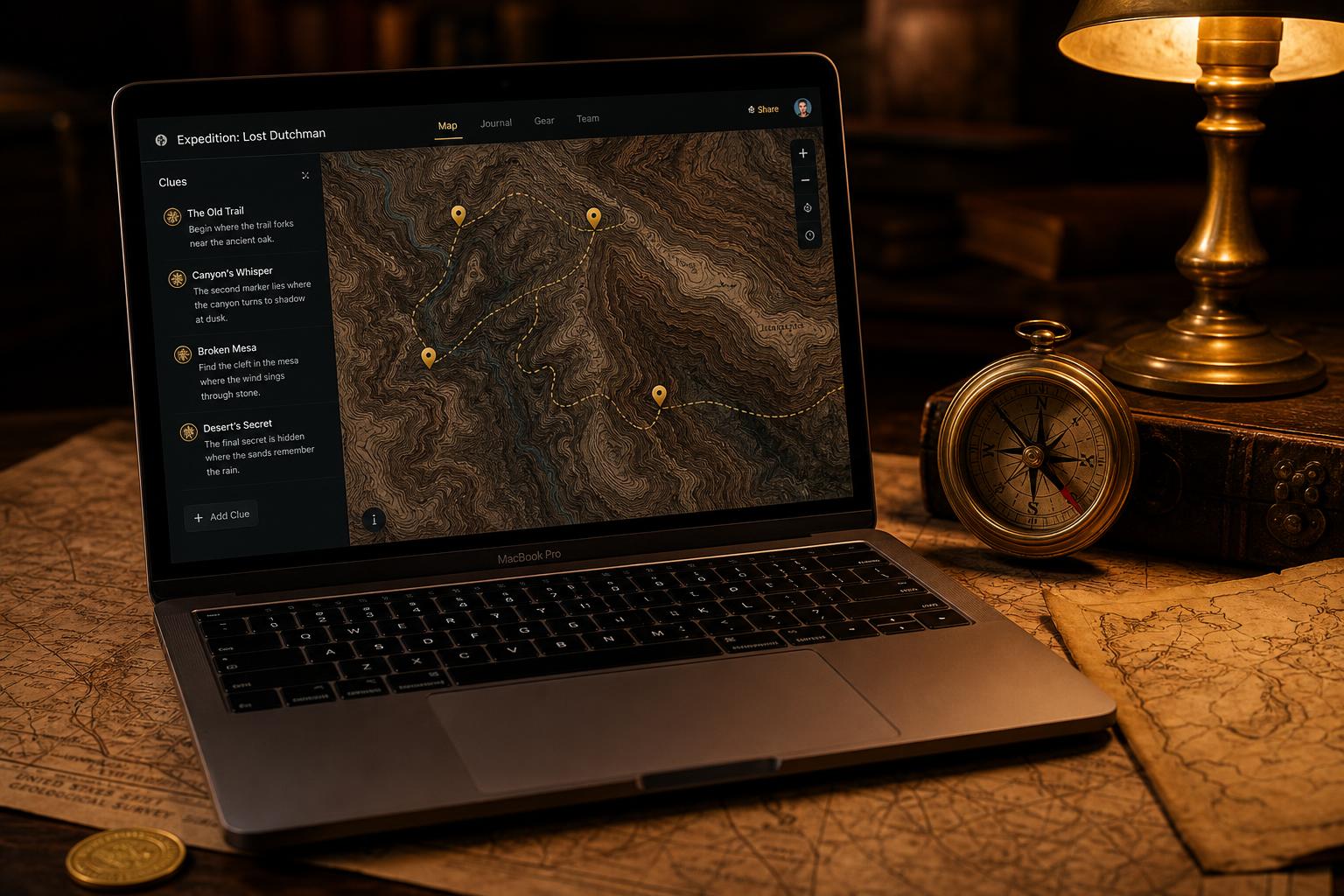
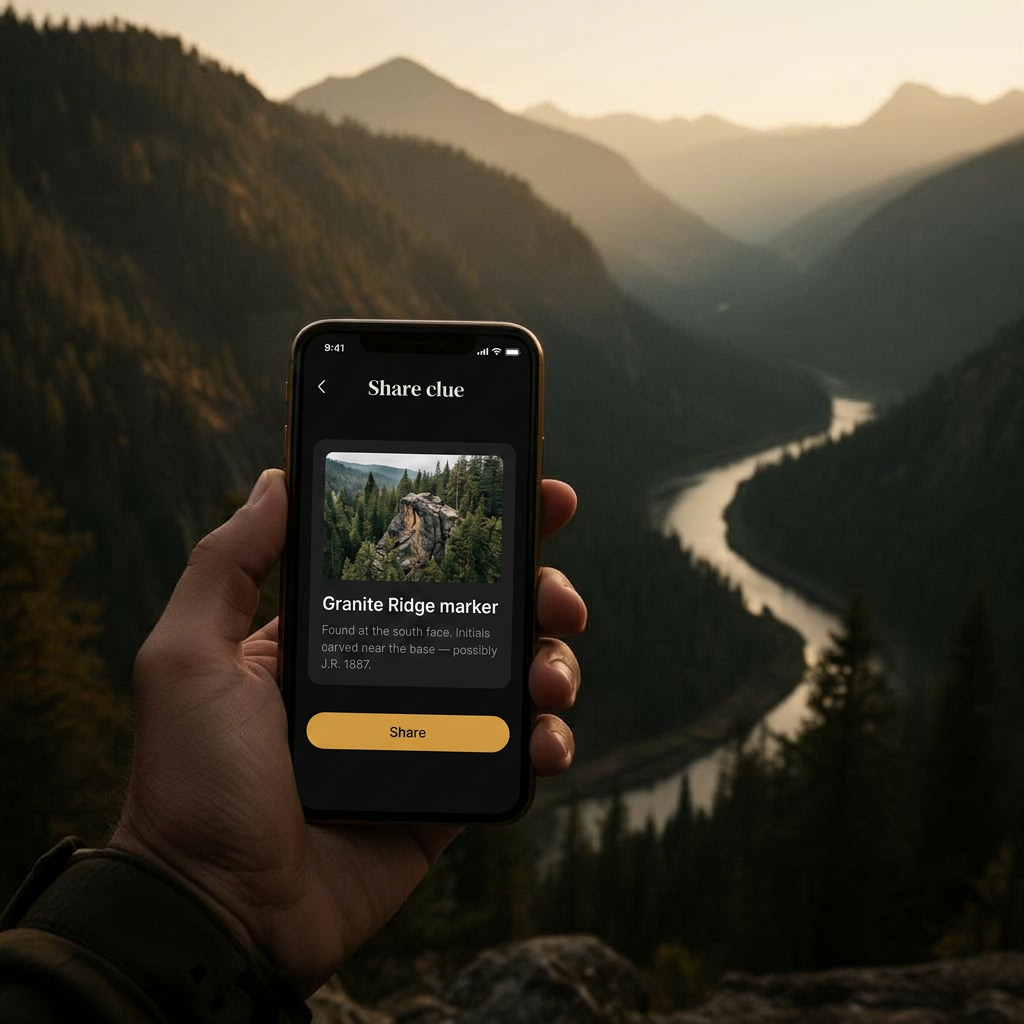
Capture every fragment, tag it, link it. See your theory as a graph or work through it as a board.
Image workbench
Mirror, rotate, invert, channel-split. Annotate clue photos and overlay two images to spot what's hidden.
Topo map studio
Free USGS Topo, OpenTopoMap, satellite, and OSM layers. Drop pins tied to your clues.
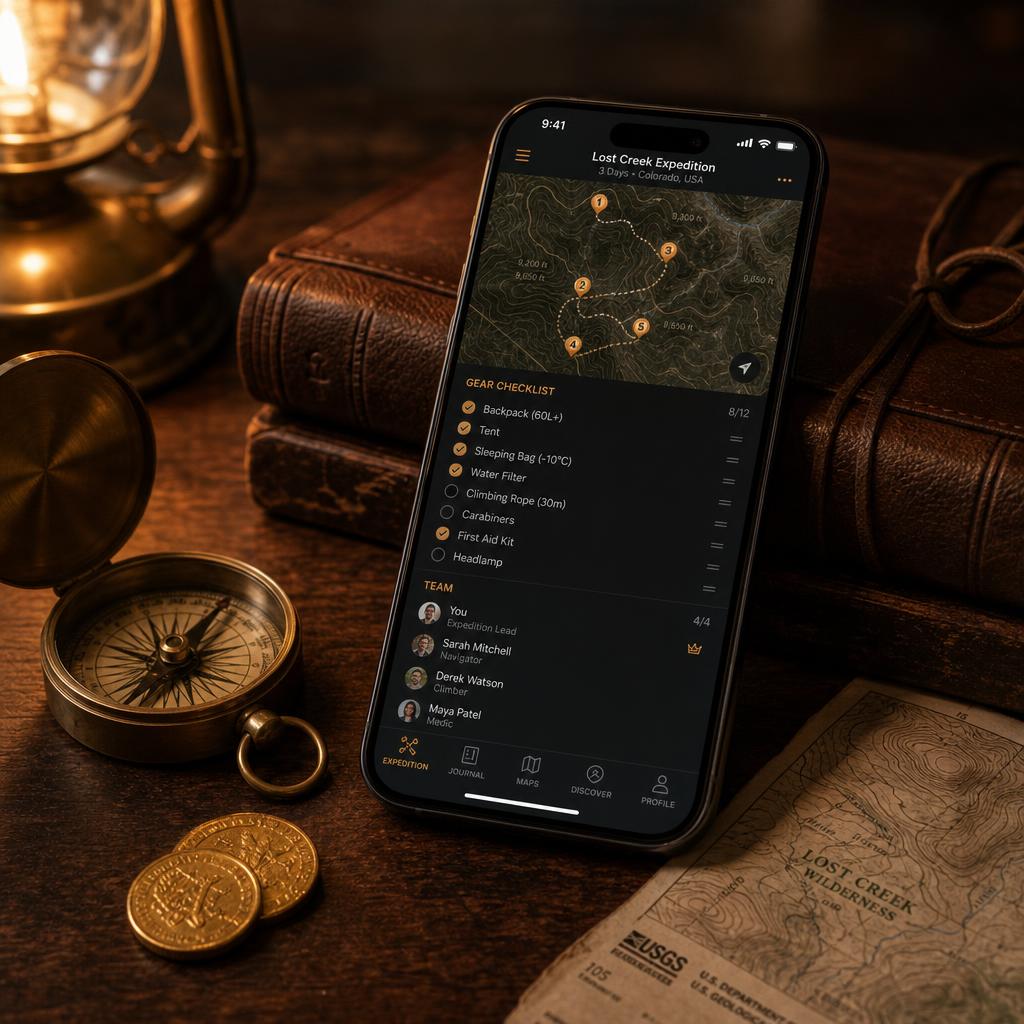
BOTG planning
Trip itineraries, waypoints, weather, gear lists, team & safety, and a printable trip plan to take into the field.
Plan before you go
A planning tool, not a navigator. Print your trip plan with maps and clues so you have it offline when cell service drops.
Private by default
Your hunts stay yours. Encrypted storage, strict access controls, and no third-party tracking — your research and theories are never exposed.
See it in action
Treasure Notes is the ultimate treasure hunt organization hub for serious hunters.

Chrome extension
Clip the web straight into your hunt
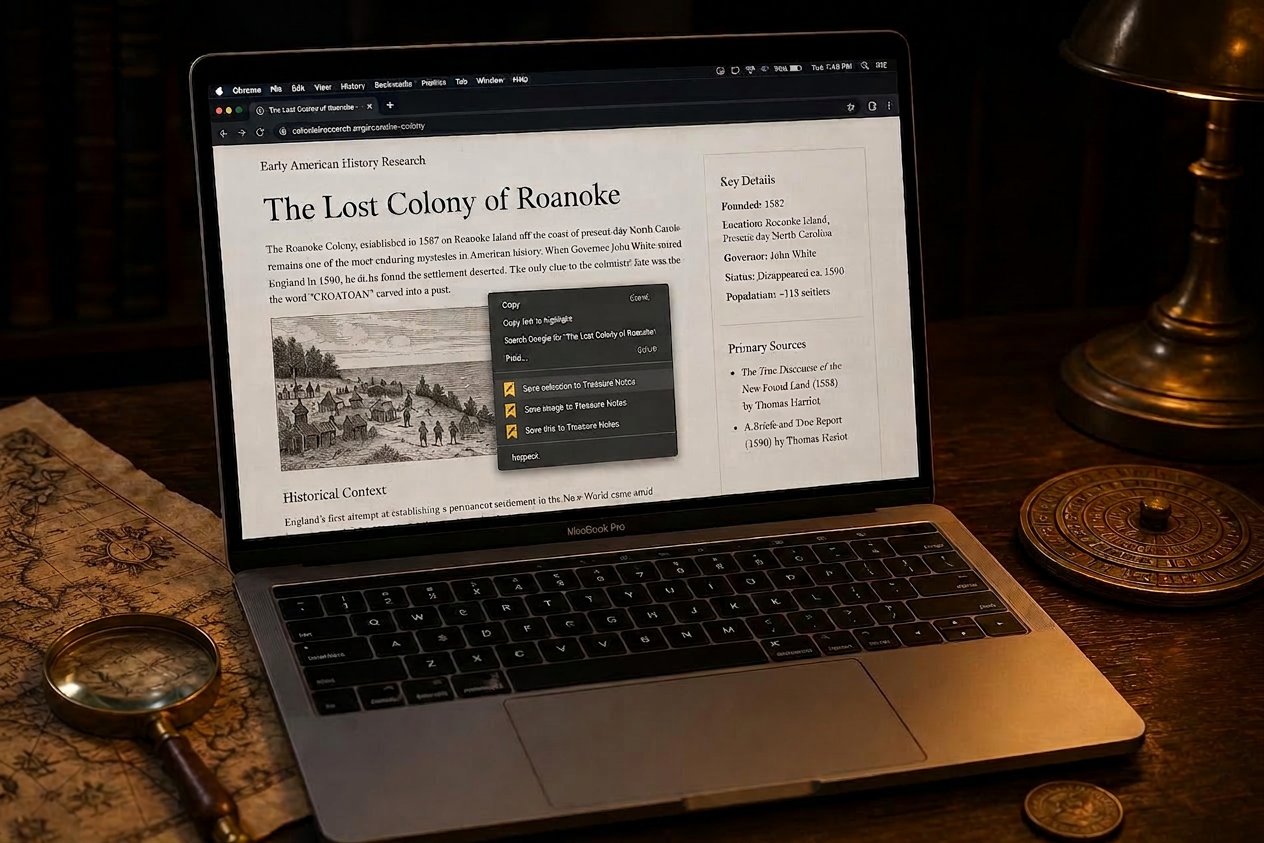
Research never happens in one tab. The Treasure Notes web clipper lets you right-click anything on any page and drop it straight into the hunt you were last working on — no copy-paste, no lost links.
- Save selected text. Highlight a passage, right-click, save.
- Save images. Grab any image with its source page.
- Save links. Bank a URL with title and context.
- Visible-area screenshots. Snapshot the page exactly as you see it.
How to install (30 seconds)
- Unzip the downloaded file.
- Open
chrome://extensions. - Toggle on Developer mode (top-right).
- Click Load unpacked and select the unzipped folder.
- Generate an API token in your account settings, paste it into the extension's options page.
Our story
Treasure Notes started with a family and a riddle.
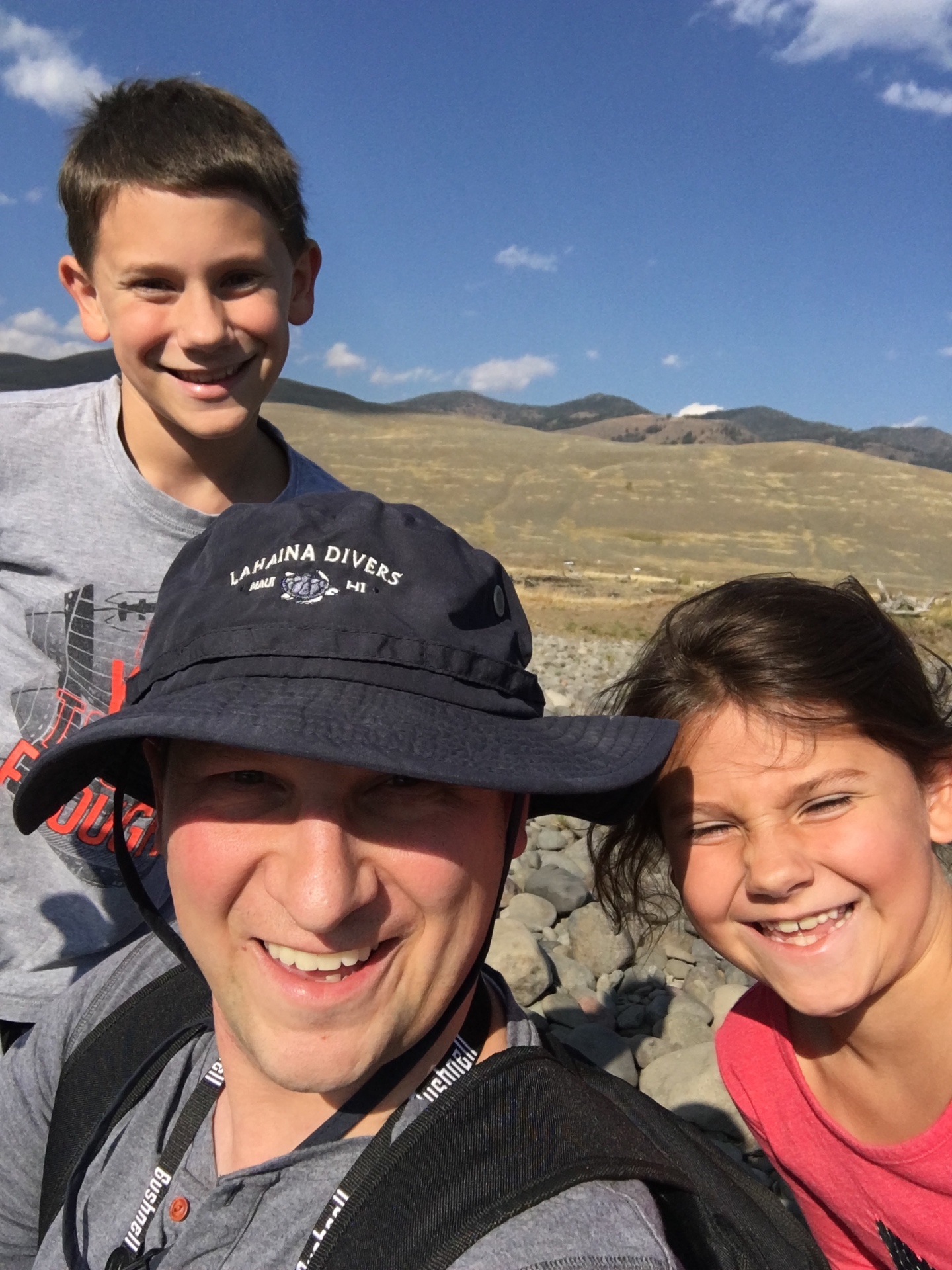
For years we chased Forrest Fenn's treasure across the Rocky Mountains — poring over the poem at the kitchen table, plotting search areas on paper maps, and packing the kids into the truck for long drives into Yellowstone, the Bighorns, and the high desert. We never found the chest. We found something better: a shared sense of wonder, and a stack of memories our kids still talk about.
That obsession stoked a fire for adventure that never went out. We built Treasure Notes to give other hunters — and other families — the tools we wished we'd had: one place for your clues, your maps, your photos, and your boots-on-the-ground plans. Wherever your hunt takes you, we hope it takes you somewhere worth remembering.
Frequently asked questions
- What is Treasure Notes?
- Treasure Notes is a field journal and planning tool for serious treasure hunters. You save and link clues, analyze images for hidden detail, study USGS topo and satellite maps, and plan boots-on-the-ground expeditions — all in one place.
- Is Treasure Notes free?
- Yes. The Scout tier is free forever and includes one active hunt, up to 25 items, basic image transforms, and the OpenTopoMap layer. Expedition unlocks unlimited hunts, all map layers, the full image workbench, and BOTG trip planning for $5/month or $37/year.
- Does Treasure Notes work for Beyond the Map's Edge?
- Yes. It is purpose-built for hunts like Justin Posey's Beyond the Map's Edge — clue organization, image analysis, topo map study, and trip planning are exactly the workflow that hunt requires.
- Does it work offline in the field?
- Treasure Notes is a planning tool, not a field navigator. The intended workflow is to plan online, then print your trip plan with maps, waypoints, and clues so you have it on paper when cell service drops.
- Is my hunt data private?
- Yes. Your hunts are private by default with encrypted storage, strict per-user access controls, and no third-party tracking of your research or theories. Even the app developers can't read your notes and clues — your data is yours alone.
- What devices does Treasure Notes support?
- Any modern web browser on desktop, laptop, tablet, or phone. The Chrome web clipper extension works in Chrome, Edge, Brave, Arc, and Opera.
Stop scattering your work across notebooks.
Free to start. Upgrade to Expedition when you're ready to plan a real trip.
Create your free account